


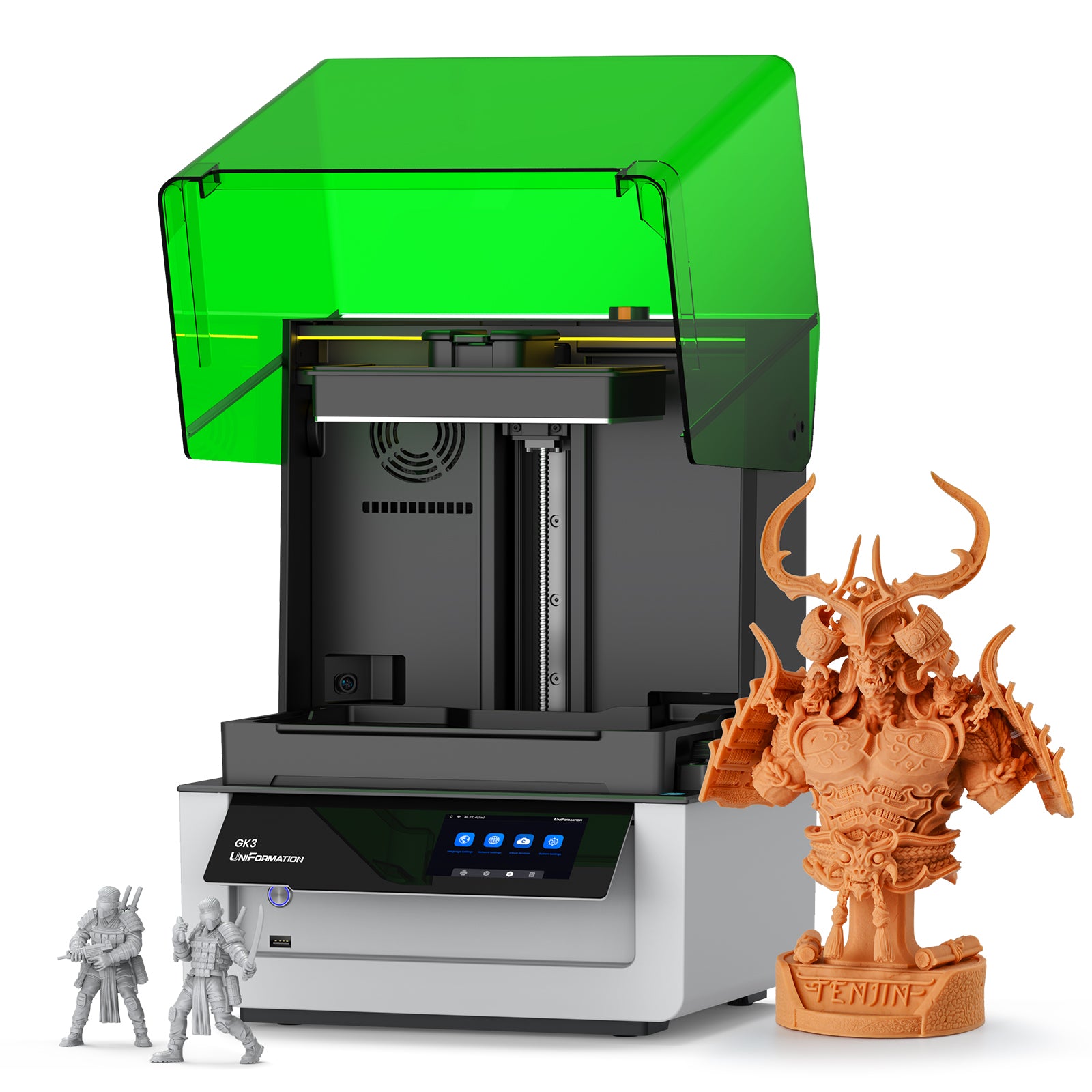
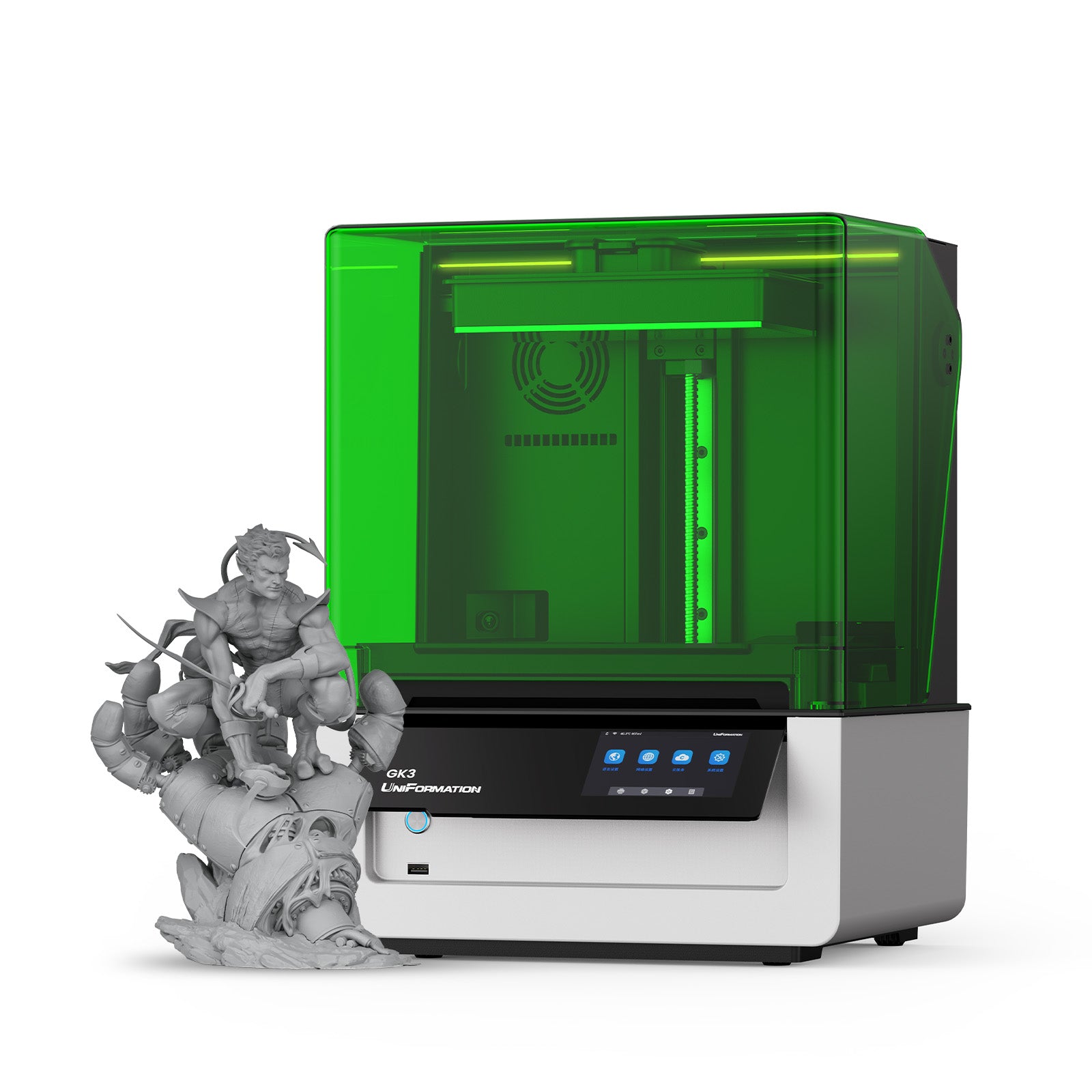
UniFormation GK3
- Regular price
-
$629.99 - Regular price
-
$729.99 - Sale price
-
$629.99
✦ Exclusive $20 OFF
Code Copied! 🌟
Key Features
- 10+ User-friendly Designs for a Seamless Start
- 16K Resolution with Intelligent Auto-Heating
- Entry-level Pick Plug-and-Play
*EU Prices Include VAT & Duties
Couldn't load pickup availability
Shop With Confidence
Fast Shipping
5-7 business days to US / AU / CA / UK / DE (Ships locally for faster delivery)
Hassle-Free Warranty
We offer a worry-free warranty for all machines.
Easy Return & Exchange
Not satisfied? We offer a hassle-free 14 -day return and exchange policy.
Lifetime Customer Support
We'll Always be There for You. If you have any questions or concerns, feel free to contact us at order@uniformation3d.com.
Pay With Ease




16K Ultra-Precision Imaging

COB Matrix Light Source
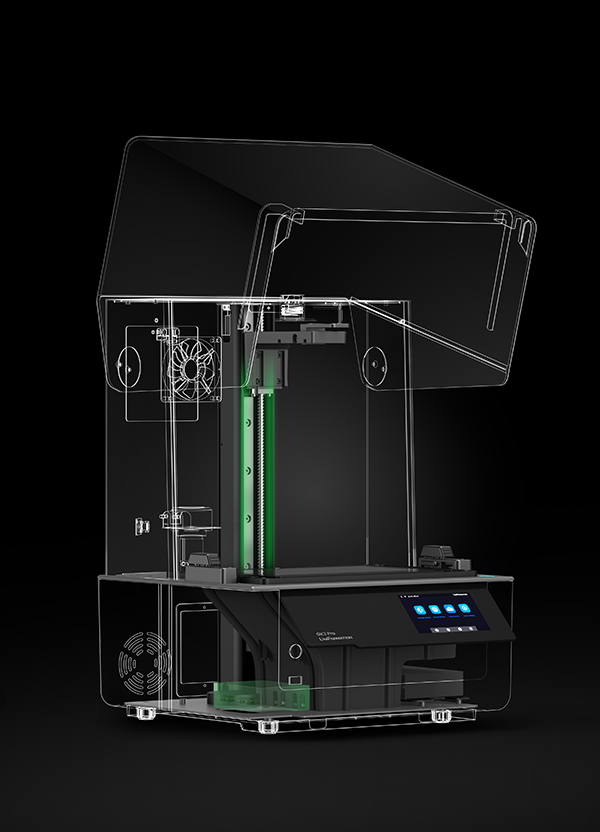
High-Rigidity Frame

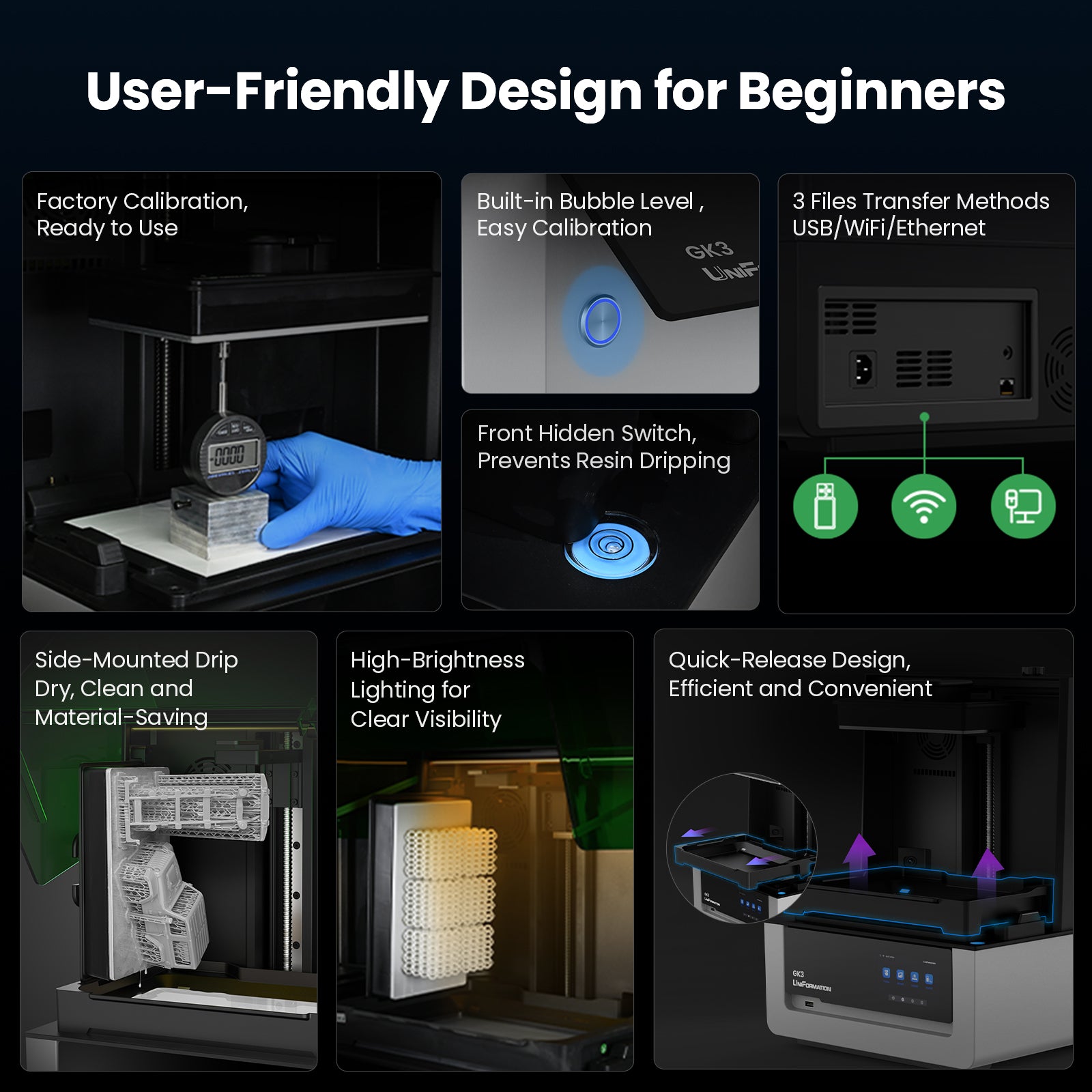
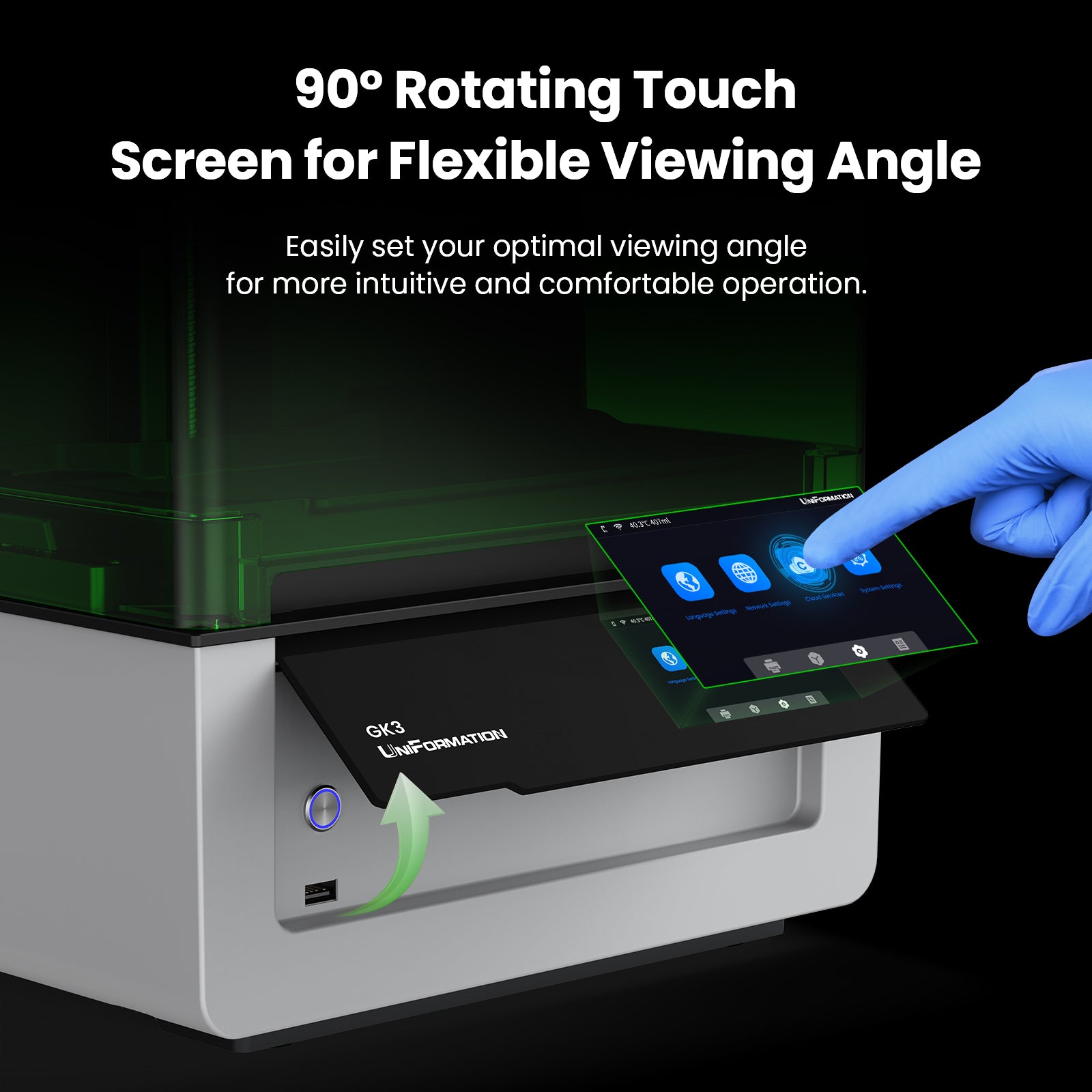
10 User-Friendly Design

Smart Auto Heating

Live Monitoring & Timelapse

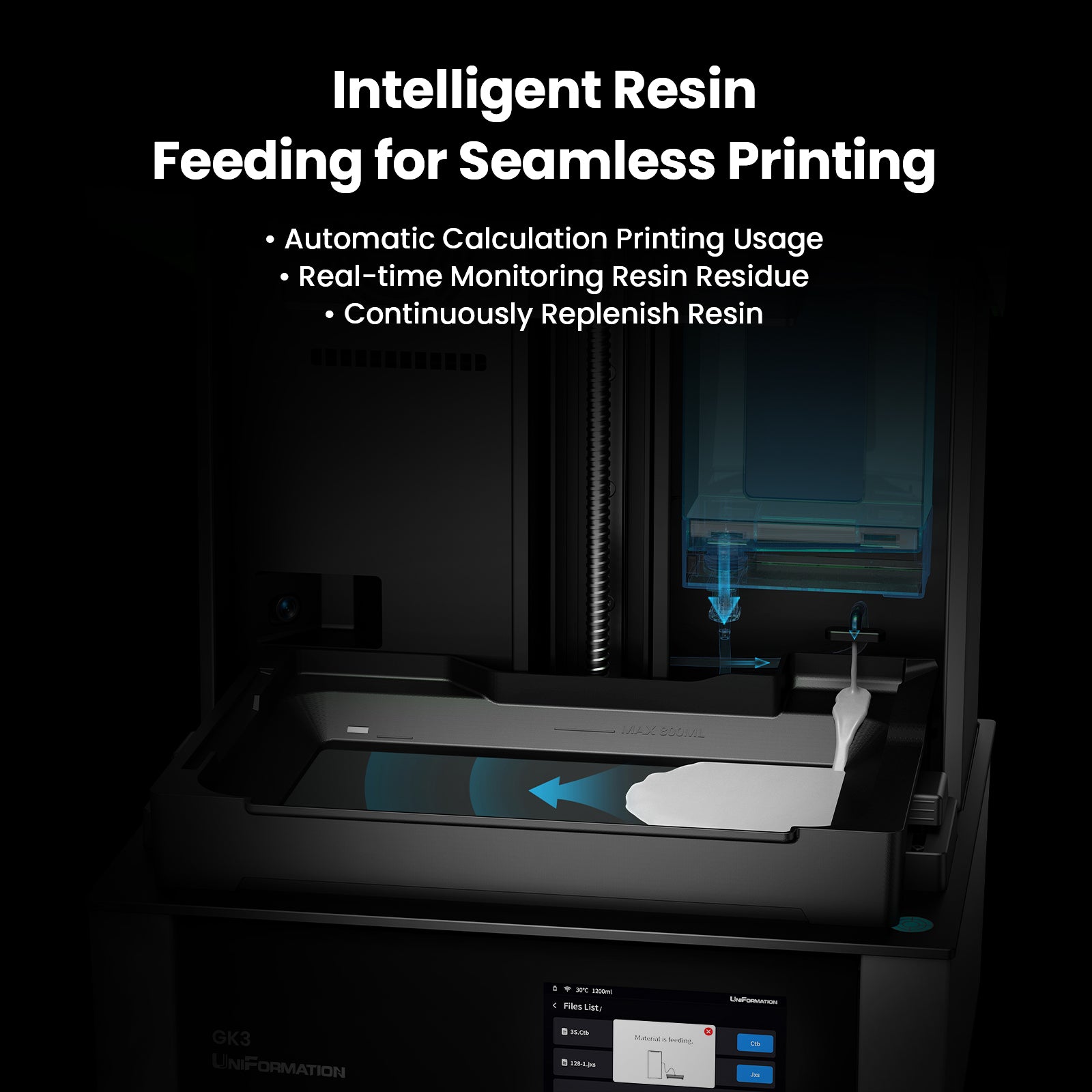
Auto Resin Feeding System
Built on Innovation. Perfected in Every Print.
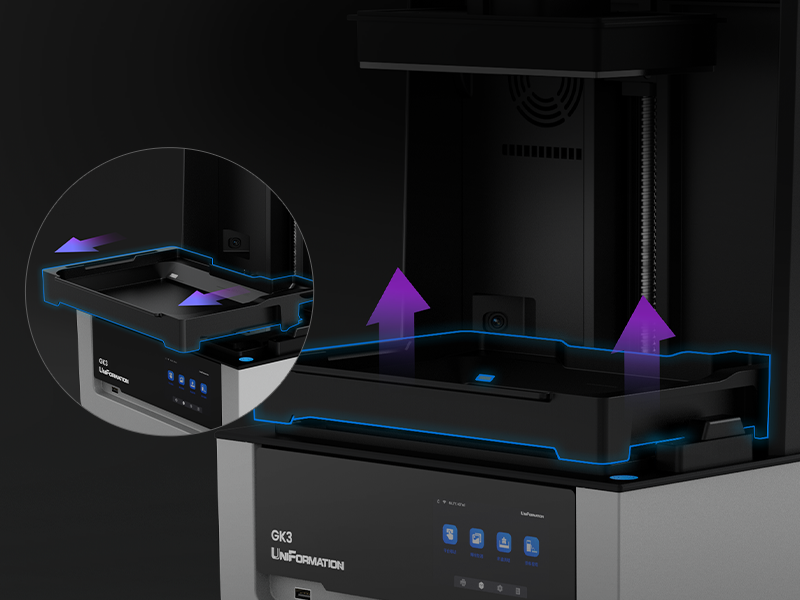
Quick-Release Design
For the build plate and resin vat, fast replacement for a smoother experience.
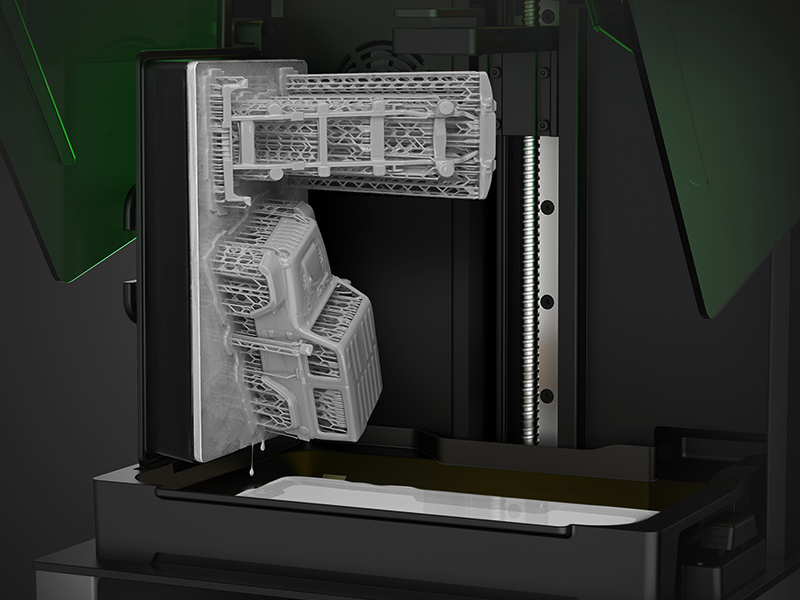
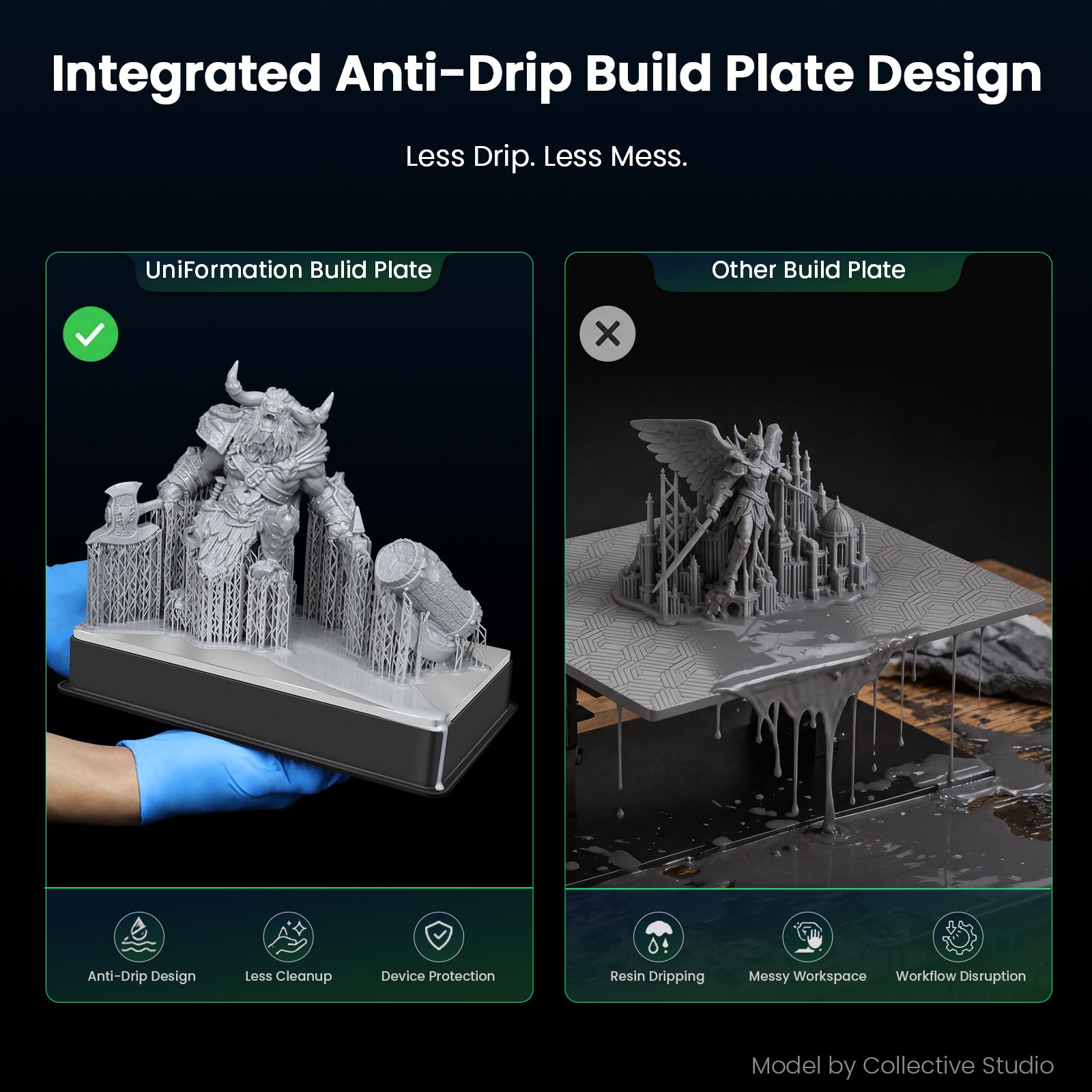
Resin Drip Hanger
Drain excess resin directly into the vat for a cleaner, more efficient workflow.
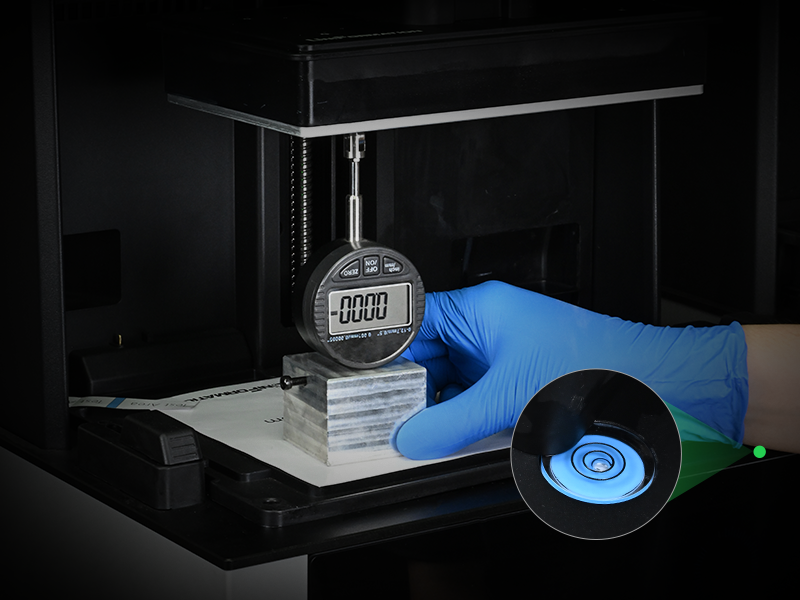
Factory Calibration
Only simple check are needed before use upon unboxing.

COB Matrix Light Source
Achieve consistent curing across the entire build area with a COB Matrix Light Source, delivering up to 88% light uniformity for sharper details and greater dimensional accuracy.
Smart Auto Heating
The intelligent auto-heating system automatically keeps resin at its ideal working temperature, ensuring smooth flow, reliable curing, and consistently exceptional print quality—regardless of the weather.


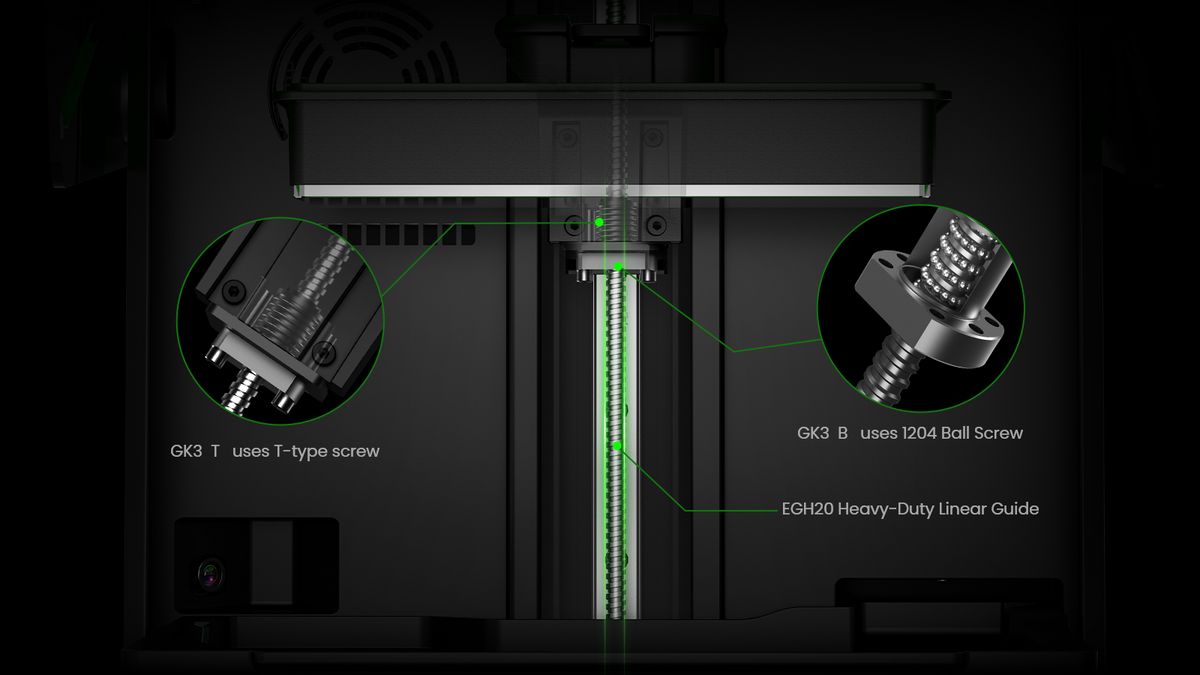
Precision Z-Axis, Rock-Solid Printing
Equipped with a professional-grade Z-axis and heavy-duty linear rails, ensuring exceptional rigidity, reduced vibration, and consistently accurate layer positioning throughout the printing process
Easy to Start, Smart to Use

Smart app
Monitor print progress in real time, remotely manage print jobs with one-tap controls, and create shareable time-lapse videos—all designed to make your 3D printing experience smarter, more efficient, and more connected.

Integrated 720P Camera
The built-in camera keeps you updated on
print progress, ensuring everything runs
smoothly. Additionally, it can capture stunning time-lapse videos of your creations, allowing you to easily share your creative journey.
Auto Resin Feeding
- Automatic Level Detection
- Resin Shortage Prevention
- Continuous Resin Feeding
- Overflow Protection
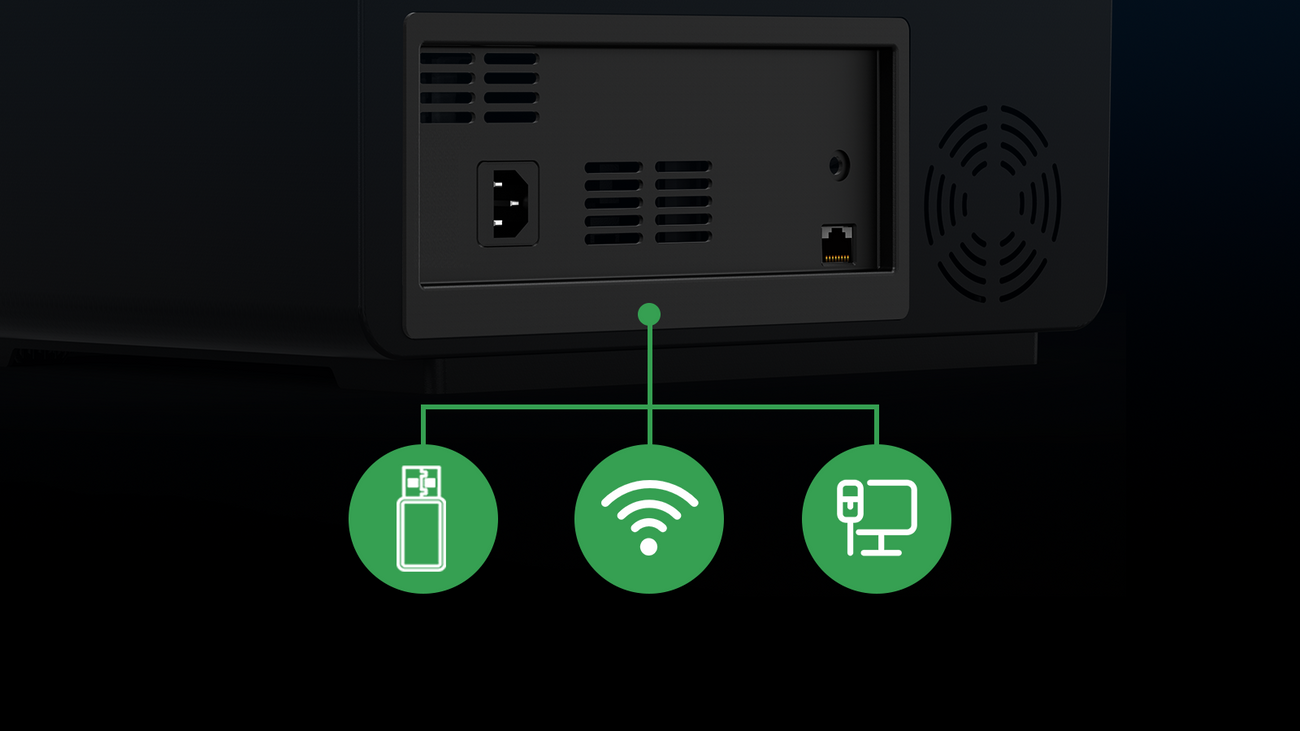
3 Files Transfer Methods
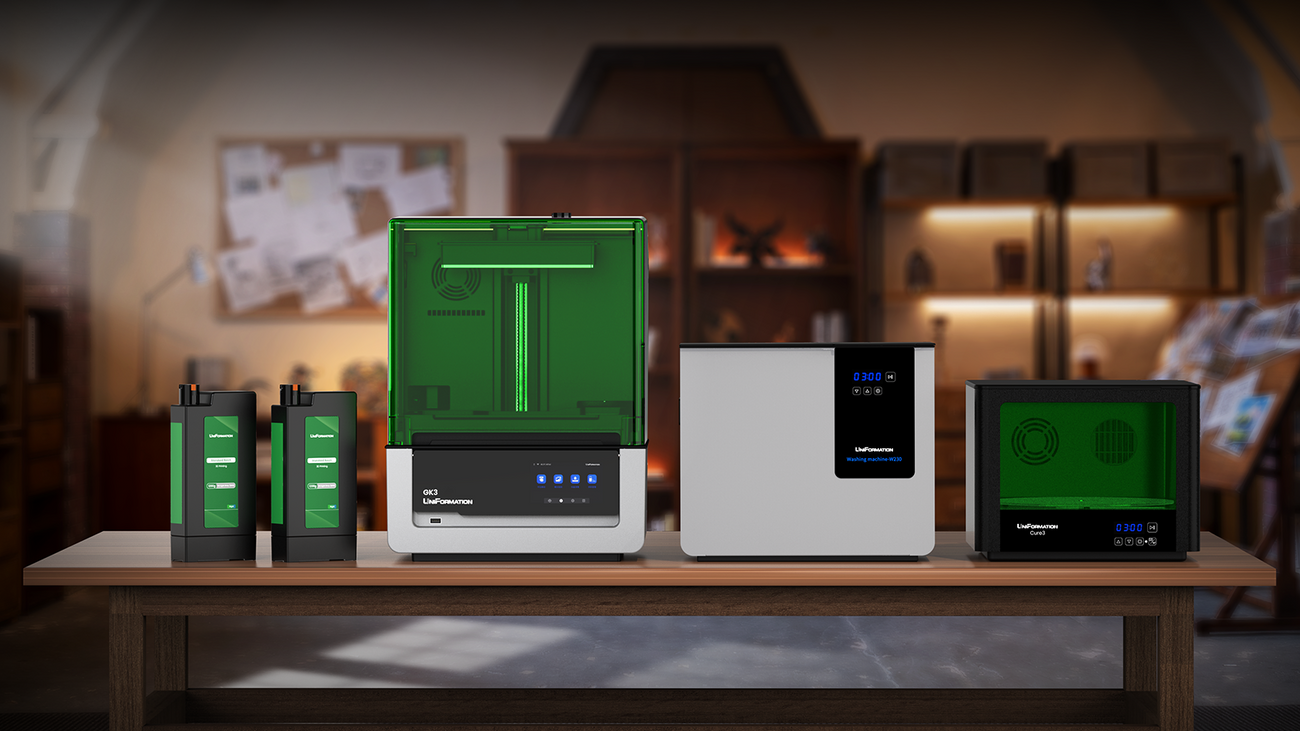
Full Workflow Integration, Simplifying Every Step


What Top Creators Say About Our GK3












UniFormation GK3
405 nm
211*118*H240mm
16k Ordinary Screen
1.5-2.5s per Layer (0.05mm)
Approx.4600-5600μW/cm²
USB,Wifi,Wired Network
Touchscreen/App
STL,OBJ
15120*6230(16k)
14*19μm
±0.05
GK3 (T) T-type Screw, GK3 (B) Ball Screw
0.03,0.05,0.1mm
✔
1.2kg
25/30℃
UniFormation Slicer/Chitubox/Lychee Slicer
100-240V
Printing 130W,Heating 120W
NFEP
720P,2 Megapixels
392*332*520mm
Standard Resin,Water-Washable Resin,ABS-Like Resin,Other Resin

UniFormation GK3 Pro
385 nm
211*118*H240mm
16k High-Transparency Screen
1.5-2.5s per Layer (0.05mm)
Approx.4200-4800μW/cm²
USB,Wifi,Wired Network
Touchscreen/App
STL,OBJ
15120*6230(16k)
14*19μm
±0.05
Ball Screw(Repeatability:±0.005mm)
0.03,0.05,0.1mm
✔
1.2kg
25/30℃
UniFormation Slicer/Chitubox/Lychee Slicer
100-240V
Printing 130W,Heating 120W
CPFA(ACF Optimized Version)
720P,2 Megapixels
392*332*520mm
Transparent Resin,Standard Resin,Water-Washable Resin,ABS-Like Resin,Other Resin

UniFormation GK3 Ultra
405nm
300*160*H300mm
16k Ordinary Screen
2-4s per Layer (0.05mm)
Approx.4900-6400μW/cm²
USB,Wifi,Wired Network
Touchscreen/App
STL,OBJ
15120*6230(16k)
20*26μm
±0.05
Industrial-grade KK60 motion module
0.03,0.05,0.1mm
✔
1.2kg
25/30℃
UniFormation Slicer/Chitubox/Lychee Slicer
100-240V
Printing 120W,Heating 200W
NFEP
455*400*575mm
Standard Resin,Water-Washable Resin,ABS-Like Resin,Other Resin
FAQs
Who is the GK3T designed for?
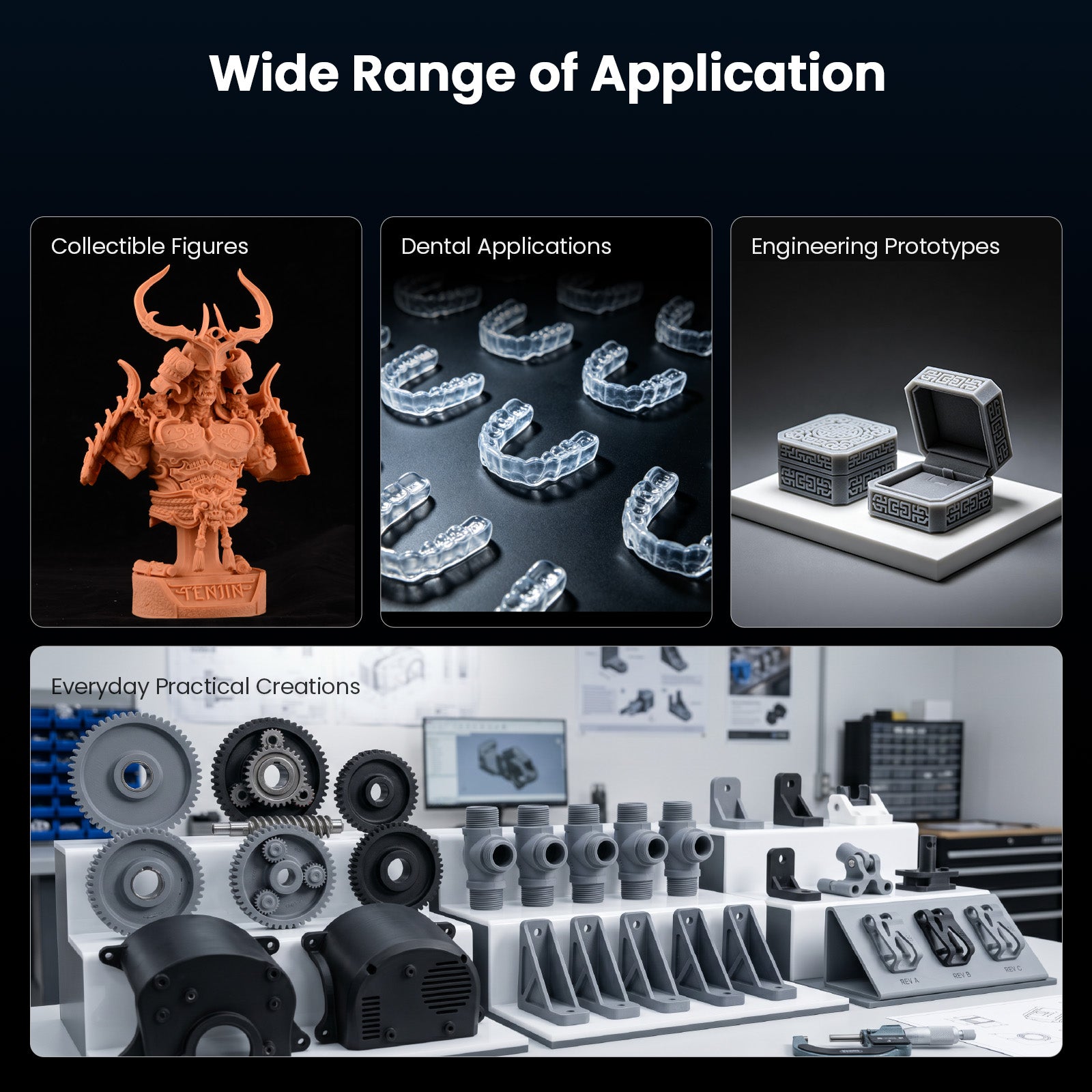
The GK3T is designed for beginners, hobbyists, model makers, and creators who want a 16K resin printer with heating and practical workflow features without moving directly to the higher-cost Pro or Ultra models.
It is best suited to miniatures, figures, terrain, art models, and general creative parts that fit within its 211 × 118 × 240 mm build volume.
What is the difference between GK3T and GK3B?
The two versions share the main GK3 printing platform and build volume. The GK3T uses a traditional T-type lead screw, while the GK3B uses a ball-screw system intended for smoother movement, greater wear resistance, and heavier long-term use.
Choose GK3T for general creative and hobby printing. Consider GK3B if the printer will run frequently in a farm, studio, or commercial production environment.
What is the difference between GK3T and GK3 Pro?
GK3T uses a 405 nm light source and is positioned as the value-focused general-purpose model. GK3 Pro uses a 385 nm light source, high-transmission screen, ball-screw Z-axis, and professional features focused on transparent parts, fine structures, and demanding production workflows.
For miniatures and general models, GK3T may be the more practical choice. For transparent resin, jewelry, dental work, or precision prototypes, compare the GK3 Pro.
When should I choose GK3 Ultra instead of GK3T?
Choose GK3 Ultra when your parts do not comfortably fit within the GK3T's 211 × 118 × 240 mm build volume or when you need substantially more parts per batch. The Ultra is designed around large-format and higher-volume workflows.
If most of your projects fit the GK3T platform, a larger machine may add resin, workspace, and post-processing requirements without improving your everyday workflow.
What resolution and build volume does the GK3T provide?
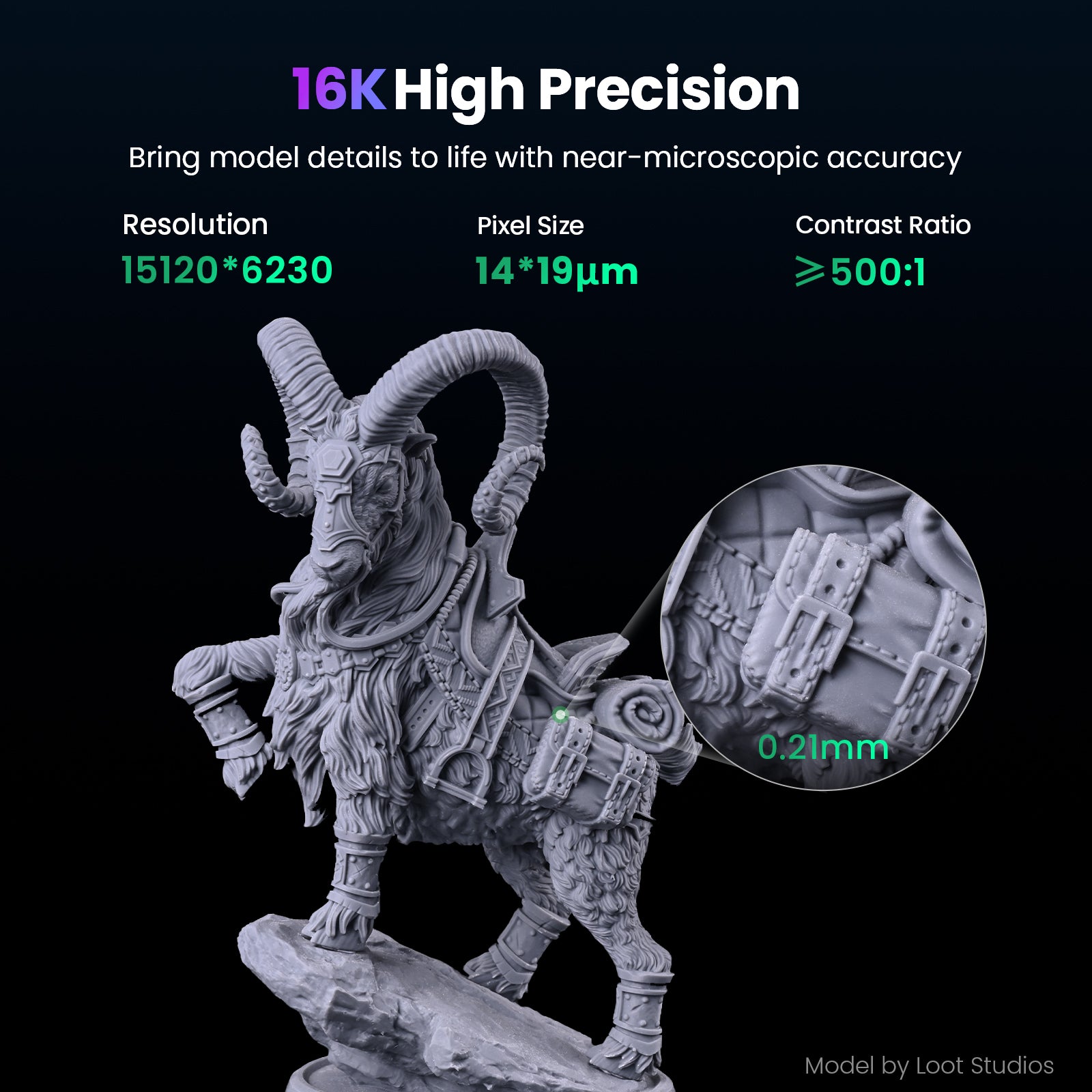
The GK3T offers a maximum print volume of 211 × 118 × 240 mm. Its 16K screen has a resolution of 15,120 × 6,230 pixels and an XY pixel size of approximately 14 × 19 μm.
For the best result, combine the available resolution with correct exposure, stable temperature, appropriate supports, and careful washing and curing.
Does the GK3T include resin heating?
Yes. The GK3T provides 25°C and 30°C heating settings. Heating is particularly useful in cooler rooms where cold, more viscous resin can make printing less consistent.
Heating cannot correct an unsuitable exposure profile, poor support design, damaged release film, or incorrect leveling. Treat temperature as one part of the complete process.
Is the GK3T suitable for a first resin printer?
Yes, provided you are prepared for the normal resin workflow: ventilation, gloves, spill control, washing, curing, waste handling, and regular maintenance. The printer is designed to reduce setup friction, but resin printing still requires safe material handling and post-processing.
For a first purchase, consider a complete configuration that includes washing and curing equipment rather than budgeting for the printer alone.
Which slicers and connection methods can I use?
The GK3 supports UniFormation Slicer, CHITUBOX, and Lychee Slicer. Available transfer methods include USB, Wi-Fi, and wired network, and the product includes a camera for supported monitoring workflows.
App and monitoring features can vary by operating system, firmware, and software release. Check the current compatibility information if remote monitoring is an important purchase requirement.
Which resins can I use with the GK3T?
The GK3T uses a 405 nm light source and supports common compatible resin categories including standard, water-washable, and ABS-like materials.
Third-party resins can require different exposure and temperature settings. Begin with a tested profile and complete a small calibration print before filling the plate with production parts.
Do I need to level or calibrate the GK3T before printing?
The printer is factory calibrated, but you should inspect it after shipping and complete the official leveling and exposure checks before the first full print. Repeat the check after moving the printer, replacing key components, or seeing uneven first-layer adhesion.
Do not use a large model as your first calibration test. A small, repeatable test makes it easier to separate leveling, exposure, support, and resin issues.
Which GK3T configuration should I choose?
Choose the printer-only configuration if you already have compatible washing and curing equipment. Choose a GK3 + W230 + Cure3 configuration when you want a complete workflow for printing, cleaning, and curing parts.
Before choosing a bundle, check the largest model you expect to wash and cure, your available workspace, and the safety supplies you still need.
What warranty, return, and shipping terms apply?
The GK3 product page currently advertises machine warranty coverage and a 14-day return and exchange period. Exact coverage, consumable exclusions, return costs, and regional eligibility are controlled by the current policy.
Shipping estimates depend on the selected model, bundle, destination, and actual regional stock. Confirm the available configuration and dispatch estimate before placing the order.