

UniFormation S10 Combines Resin Printing, Washing and Drying in One Desktop Machine
Anyone who has used a desktop resin printer knows the print itself is only half the job. What follows is a messy routine: lifting a part still coated in uncured...

To ensure we can correctly match your Deposit Holder status, please use the same email address for your UniFormation reservation and your Kickstarter account. This is especially important for matching your deposit refund, VIP cashback, and other applicable Deposit Holder benefits.
If you have already used different email addresses and can not modify your Kickstarter email, please contact the UniFormation team at order@uniformation3d.com so we can assist you.
Please ensure that the email address used to pay your UniFormation reservation deposit matches the email address linked to your Kickstarter account, so that we may verify your status as a "depositor." Within 10 business days after the Kickstarter campaign concludes, we will issue a $100 VIP cashback to you via the Kickstarter platform. Additionally, the $20 deposit you paid will be refunded to your original payment account within 10 business days after the campaign ends.
When a campaign ends, Kickstarter will automatically collect payment from the card you used when backing our products. If your payment is successful, Kickstarter will send you an email that includes the details of your pledge and your reward selection. The subject line will be: "We've collected your pledge for [UniFormation S10: First Desktop Automated Resin 3D Printer]". You can also find these details listed in your profile: https://www.kickstarter.com/profile/backings?ref=faq-backer_receipt.
If a pledge fails, Kickstarter will:
- Send you email reminders over the next 7 days.
- Display an “Action Needed” banner when you log in.
To fix payment issues, please:
- Check your credit card number and expiration date.
- Make sure your card has not expired.
- Confirm your billing information is correct.
- Ensure you have not exceeded your card limit.
- Contact your bank if they have blocked the charge.
If you have further issues with payment, feel free to reach out to the Kickstarter support team (kickstarter.com/contact).
If the above doesn’t help, you can also reach us at order@uniformation3d.com, and we’ll assist you further.
Yes. Before the Kickstarter campaign ends, you can modify or cancel your pledge directly on Kickstarter.
Refunds are not available after the campaign ends. If you have any special circumstances, please contact order@uniformation3d.com with details about your situation and we will review your case and follow up with you accordingly.
If you encounter a quality issue within 30 days of receiving your product, please contact us at order@uniformation3d.com and we will assist with a return and refund.
*Please note that refunds are processed in USD. The amount received in your local currency may vary due to exchange rates and cross-border transaction fees applied by your bank.
Yes. Early supporters will receive an advance launch notification so they can pledge as early as possible. Kickstarter assigns Backer Numbers on a first-come, first-served basis. By pledging earlier and securing a lower Backer Number, you will have the best opportunity for earlier fulfillment compared with later backers. Shipping priority will be determined by your Backer Number on Kickstarter.
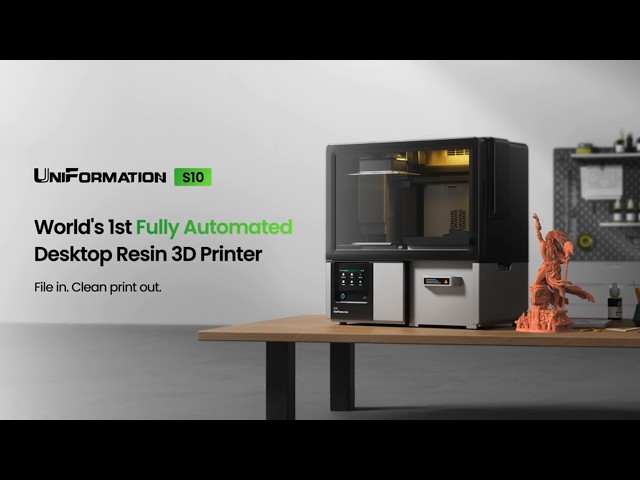
S10's automation involves both hardware and software.
On the hardware side, printing, washing, and drying are integrated into a single enclosed workflow. On the software side, the control system coordinates every stage of the process.
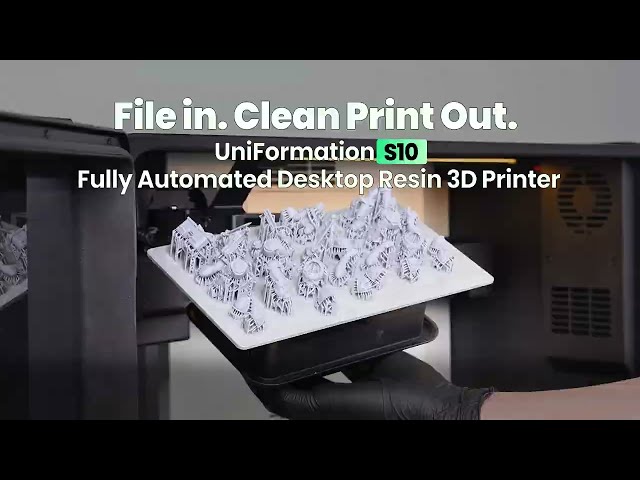
In practice, you can select a model from the content ecosystem, open the slicer, choose your resin, and the software will automatically generate the appropriate parameters. Once you click “Send to Print,” the machine takes over completely. When you return, the only remaining step is to remove the supports.
The S10 uses a 2 system cleaning cycle. (If using the fluid hub this will be 2 seperate tanks of Cleaning Fluid)
The first cycle effectively serves as a pre-wash / coarse cleaning stage, while the second cycle continues the cleaning process.
For most standard models, this two-cycle process is sufficient to complete the normal cleaning process.
Based on our internal testing under standard resin conditions, using full-platform prints with model heights ranging from approximately 15 mm to 200 mm, we recommend replacing the cleaning liquid approximately every 20–30 print cycles.
However, the actual replacement frequency depends on factors such as model size, printing frequency, and resin type. Therefore, this figure should be treated as a reference rather than a fixed replacement interval.
The S10 uses a modular design, with the printing, washing, and drying functions built as relatively independent modules.
If a problem occurs with one module, maintenance can be focused on the specific affected module. For example, if the washing or drying function requires service, the printing function itself can still operate, depending on the specific issue.
As for the multi-axis movement system, which is one of the more mechanically complex parts of S10, it is not based on unproven technology. It combines established motion-control technologies that have already been widely used and validated in the market.
Our goal is to integrate these proven technologies into an automated workflow while continuing to improve reliability through testing.
We have optimized the movement speed and dwell time (slower flip speed during cleaning + longer dwell time) to ensure that residual cleaning liquid is fully drained before the platform returns to the resin area. In future firmware updates, we will gradually open more post-processing parameters (cleaning time, cleaning speed, drying time, etc.) so that professional users can fine-tune the process according to their own workflow.
Both modes use two wash cycles, with the first serving as a pre-wash. With S10 Fluid Hub, you can use older IPA for the first wash and cleaner IPA for the second. The two cycles in standalone mode do not use two separate supplies of cleaning liquid.
As a rough guide, replace the liquid after about 20 to 30 washes in standalone mode, or around 40 to 50 cycles with the washing station. The actual interval depends on model size, residual resin, and IPA condition, so the cycle count alone should not determine when to replace it.
No. S10’s automated workflow covers printing, washing, and drying, but does not include automatic curing.
Yes! The S10 features a built-in 2MP camera with 720p resolution, allowing you to remotely monitor your prints and check on their progress.
S10 should be used in a ventilated space. Built-in purification does not replace ventilation. For extended use or higher print volumes, external exhaust is recommended and can be connected using a 3D-printed adapter.
Engineering Resin:
Tough, impact-resistant, and easy to drill and tap. Best for functional parts, enclosures, brackets, and jigs (up to 60°C).
Miniature Resin:
Ultra-high resolution with low shrinkage for sharp details. Perfect for miniatures, figures, and highly detailed models.
Standard Resin:
A fast, affordable all-rounder. Great for beginners and everyday printing.
Wear-resistant Resin:
High hardness and scratch resistance. Ideal for movable joints, BJD dolls, and wear-prone parts.
ABS-like Resin:
High impact and wear resistance with balanced hardness and toughness, plus excellent dimensional stability and a smooth, non-yellowing finish. Ideal for durable functional parts and mechanical components.
Yes. Early supporters will receive an advance launch notification so they can pledge as early as possible. Kickstarter assigns Backer Numbers on a first-come, first-served basis. By pledging earlier and securing a lower Backer Number, you will have the best opportunity for earlier fulfillment compared with later backers. Shipping priority will be determined by your Backer Number on Kickstarter.
After the campaign ends, you'll receive a survey email to confirm your shipping address. The survey is sent through PledgeBox (a trusted pledge management tool), so the email will come from a @pledgebox.com address. We'll also send a Kickstarter Update to remind all backers to watch this survey email, so you won't miss it. If you don't see it, check your spam folder, your Kickstarter account email, and our project Updates.
UniFormation officially ships to the following regions:
• North America: United States (Mainland only), Canada
• Europe: United Kingdom, European Union countries
• Asia-Pacific: Mainland China, Hong Kong (China), Macau (China), Taiwan (China), Japan, South Korea, Singapore, Australia, New Zealand
• Middle East: Gulf Cooperation Council (GCC) countries
Other regions: We will accept pledges from other countries and regions. If we later confirm that we are unable to ship to a specific country or region, our team will contact the affected backers and issue a 100% refund within 14 days after the campaign ends.
To support our backers worldwide, UniFormation is subsidizing a significant portion of the international shipping costs. Backers will pay a flat shipping fee based on their destination, while all customs duties and import tax will be covered by UniFormation.
VAT/GST is included for backers in the EU, the United States, Canada, the United Kingdom, and Australia. For certain other regions, applicable taxes will be calculated and collected after the campaign ends, based on the final shipping address and local tax requirements.
The S10 is a substantial piece of equipment, weighing approximately 38 kg (84 lbs) for the single-unit package. Its size and weight result in higher shipping costs than those of a typical desktop machine. UniFormation is covering most of these costs so that backers only need to pay a portion of the actual shipping expenses.
UniFormation is estimated to begin shipping sequentially in March–April 2027, based on order sequence. Please note that the schedule may shift depending on production and fulfillment timelines, and actual delivery dates will vary by destination. We will keep all backers posted on any shipping updates via project updates.
UniFormation provides a 1-year warranty for the S10 series, subject to applicable local laws and regulations. The S10 printer itself is covered for one year from the date of delivery. The LCD screen, as a consumable component, comes with a dedicated 180-day warranty for durability.
Please note that the warranty does not cover damage caused by user error, unauthorized repairs, or disassembly.
Our official support includes technical assistance, repairs, replacements, and any other help you may need. If you have any questions, please contact us at support@uniformation3d.com. We're here to help!
If your S10 arrives damaged or experiences a hardware failure caused by a manufacturing defect under normal use during the warranty period, we’ll provide free repair or replacement. If the issue cannot be repaired, we’ll offer a replacement unit or a full refund.
If you experience any issues with your product, please contact our support team at support@uniformation3d.com. We’re here to help!
No FAQs available in this category yet.

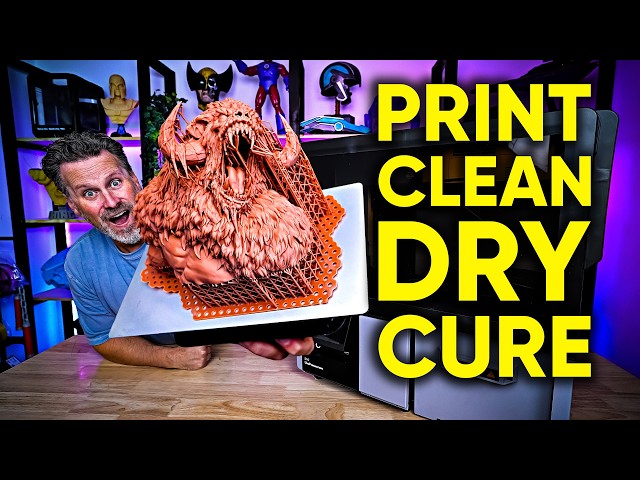

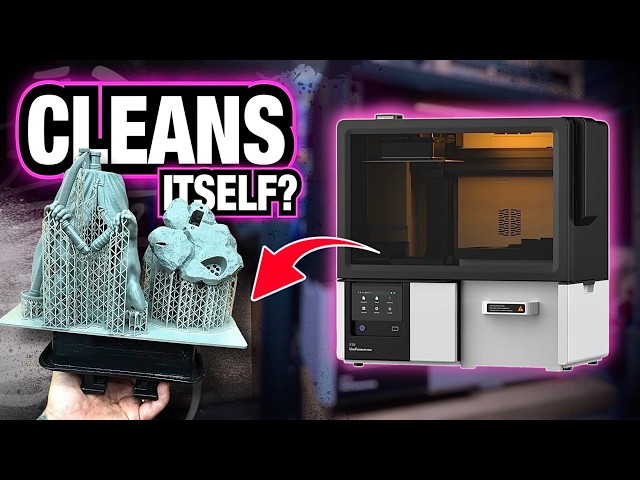

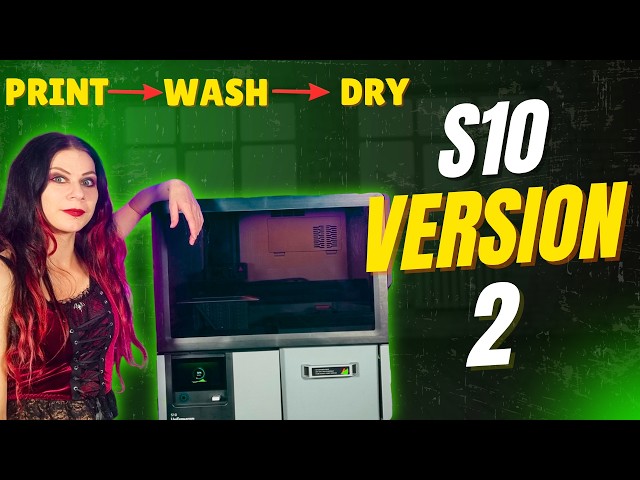

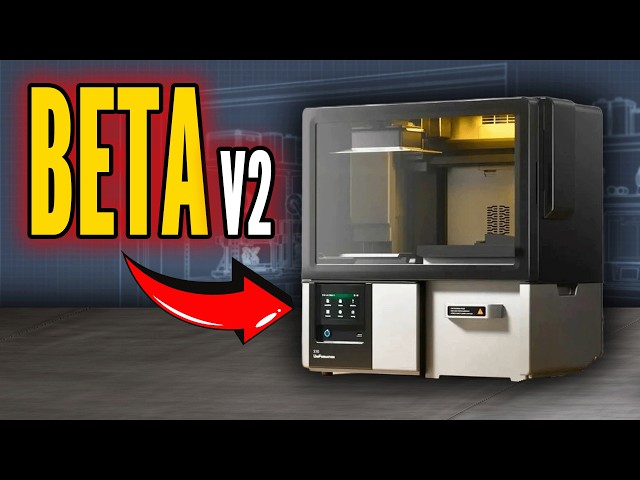



Anyone who has used a desktop resin printer knows the print itself is only half the job. What follows is a messy routine: lifting a part still coated in uncured...

Resin 3D printing tends to look cleaner in promotion than it does in practice. The print finishes, and then the real work begins. Lifting a dripping build plate, transferring it...

Print. Wash. Dry. All in One. Discover how UniFormation's new automated resin 3D printer makes post-processing easier — launching on Kickstarter October 22. You love the incredible details of resin...